
Create links directly from GPT!
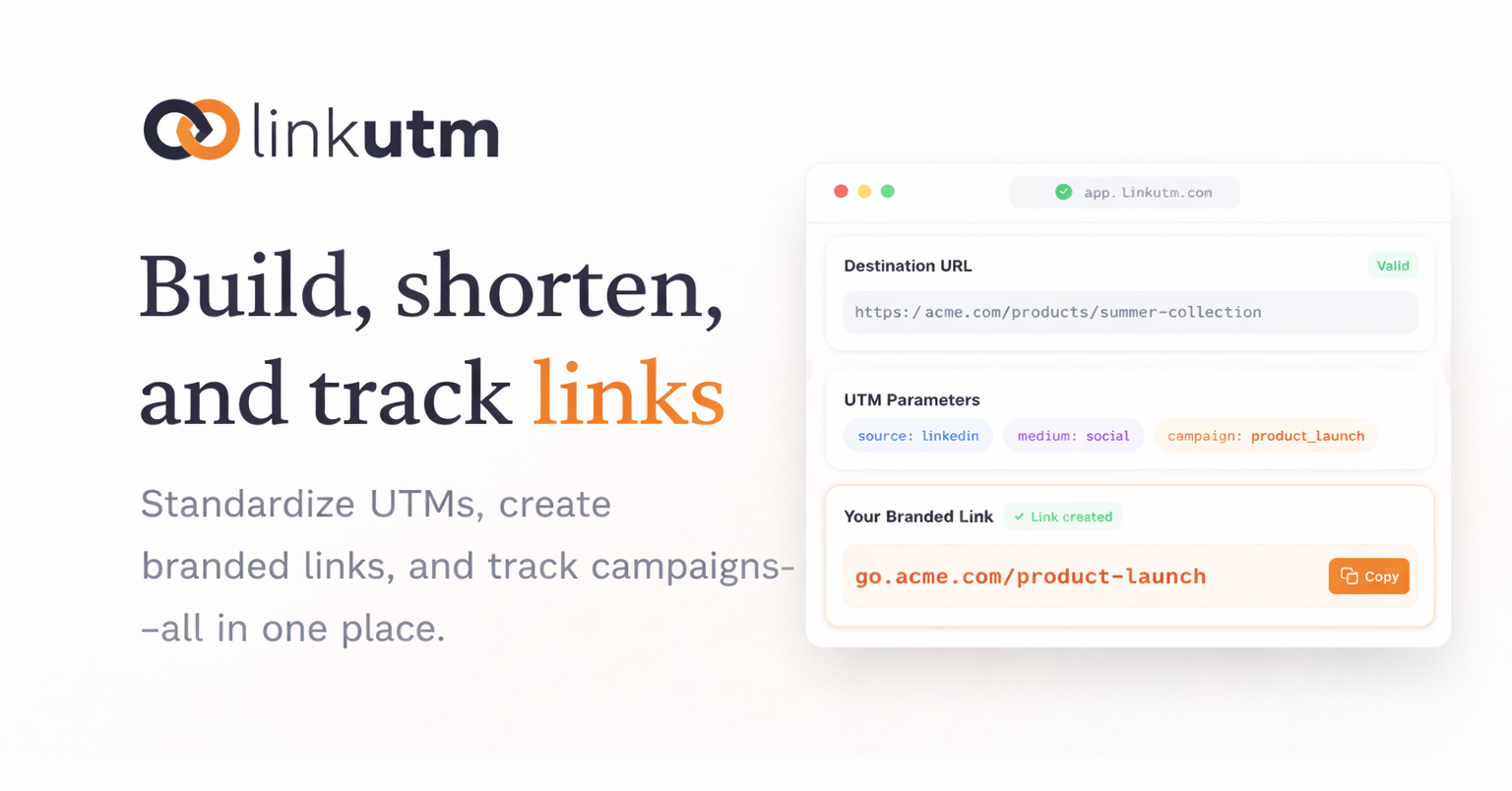
Connect Claude, Cursor, ChatGPT or any MCP-compatible app directly to your linkutm workspace. Create UTM short links, pull click analytics and manage folders and tags without leaving your chat or IDE.
Check it out in our app : https://app.linkutm.com
The linkutm mobile app is now live!
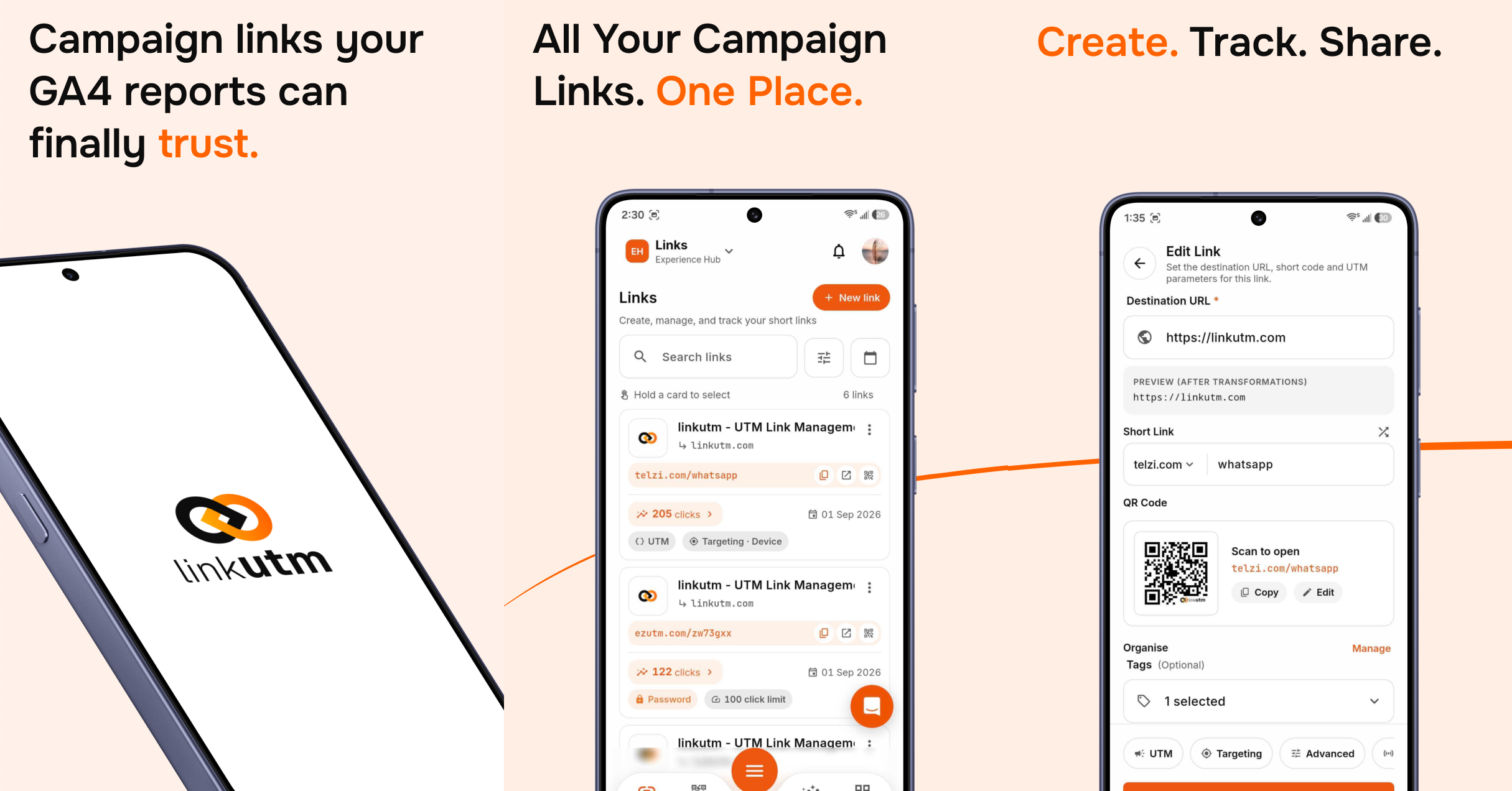
linkutm is now on mobile!
Download the app from the App Store or Google Play and sign in to manage your links on the go.
Available on:
iOS(Coming soon!) and Android.
What you can do:
-
Build UTM links and short links.
-
Create trackable QR codes.
-
Track clicks and scans in real time.
-
Manage your links, campaigns, and folders.
-
Share links straight from your phone.
-
Everything on linkutm-web can now be done in the mobile app.
The QR Code Generator is now live!
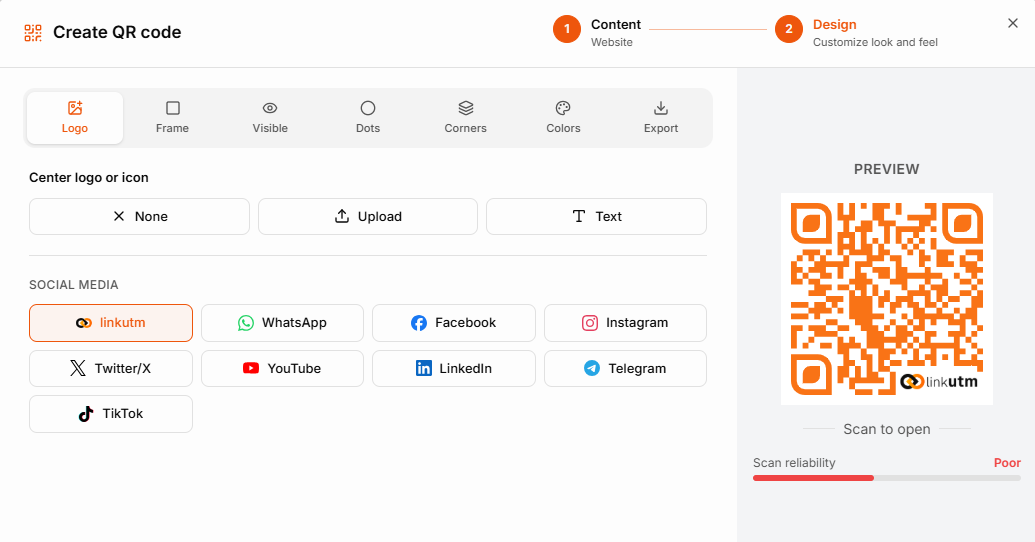
Create QR codes with tracking built in!
Go to the QR Code Generator panel and create your 1st QR code now.
Content types supported:
Website, Contact, Event, Wi-Fi, Social, WhatsApp, Email, SMS, Phone, App, PDF, Multi-URL, Plain text.
Customization:
-
Logo upload.
-
Frame styles.
-
Dot style, corner style, and colors.
-
More customization.
-
Export options.
Feature release 03-08-26
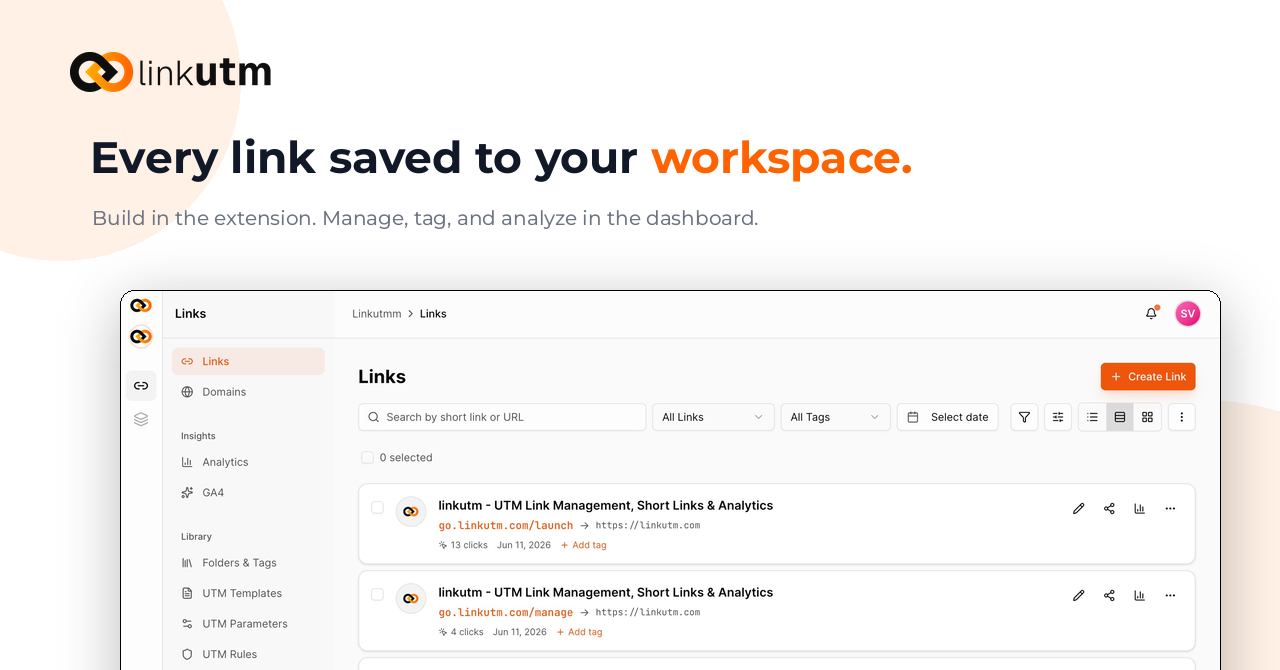
linkutm- Feature implementations.
UI Overhaul
The main dashboard, workspace selector, UTM rules, UTM parameters, UTM templates, and workspace settings have all been redesigned. Cleaner layout, easier navigation between workspaces, and clearer structure for managing UTM rules, parameters, and templates in one place.
Geo Targeting
You can now set different destination URLs based on where a click is coming from. Route visitors from different countries or regions to localized pages, region-specific offers, or separate landing experiences, all from a single link.
QR Code Customization
QR codes generated in linkutm can now be customized beyond the basic black-and-white square. Add your own logo to the center, change the frame style, and adjust the shape of the dots and corners to match your brand.
Feature release 25-06-26
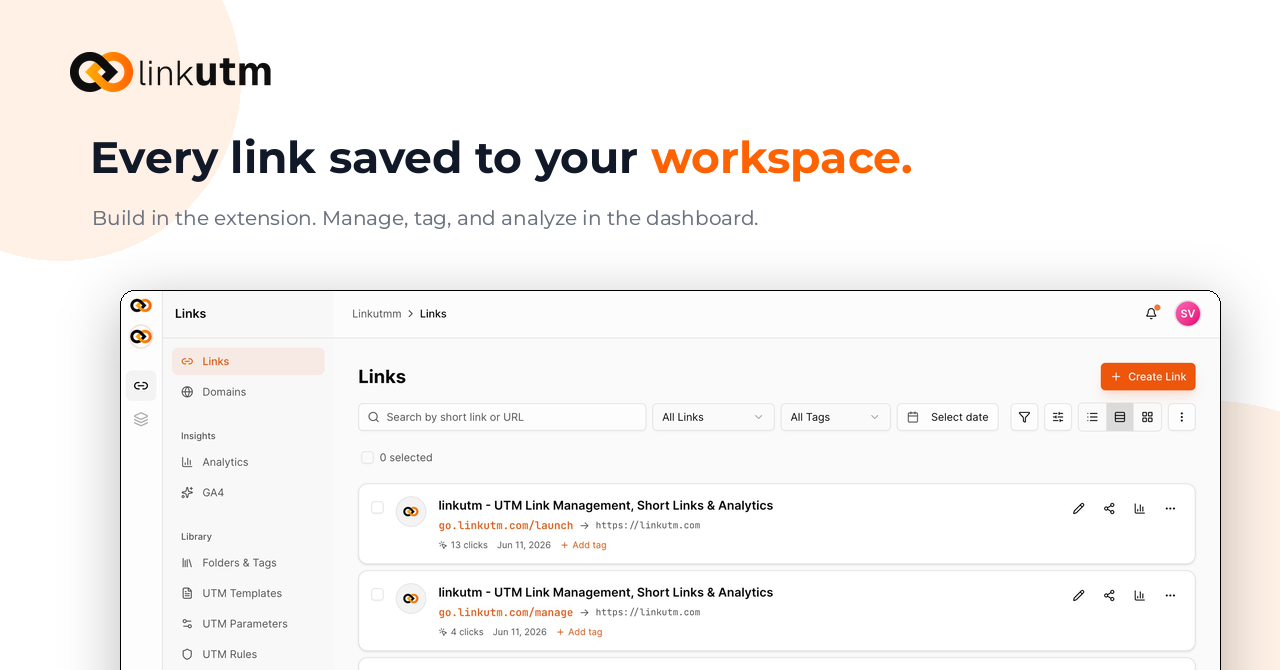
linkutm - Feature implementations.
OS Targeting
You can now set different destination URLs for iOS and Android users from a single link. When someone clicks your link, linkutm detects their operating system and routes them to the right destination automatically. No more separate links per platform - one short link handles both.
Chrome Extension
The linkutm Chrome extension lets you create and tag links directly from your browser. Highlight any URL, open the extension, add your UTM parameters, and copy your shortened link without switching tabs or logging into the dashboard.
Available now on the Chrome Web Store.
Link Scheduling
Set a start date, an end date, or both for any link. Before the start time, the link is inactive. After the end time, it stops routing traffic. Useful for launch campaigns, limited-time offers, or any situation where you need links to go live or expire at a specific moment without manual intervention.
Link Cloaking
When link cloaking is enabled, your branded short link stays visible in the browser's address bar even after the redirect. The destination URL is never exposed to the end user. Useful for keeping affiliate URLs, internal tools, or partner links out of sight.
Welcome to linkutm Updates
We're launching our public feedback board to hear directly from you.
Here's what you can do:
-
Share ideas: Tell us what features you want to see
-
Vote: Help us prioritize what matters most
-
Stay updated: Follow along as we ship improvements
Your feedback shapes what we build next. We're listening!